Most people monitor topics with Google Alerts, because it's free and it's been there forever. Almost nobody checks whether it works. When someone did, the results were bleak: a Contify study of Fortune 1000 companies found roughly 10% of Google Alerts results were actually relevant, and about 40% of important news was never detected at all.
Think about what that means in practice. You set up an alert, you get a trickle of mostly-junk emails, and you assume you're covered. You're not. You're missing two out of every five things that mattered, and you have no way of knowing what they were.
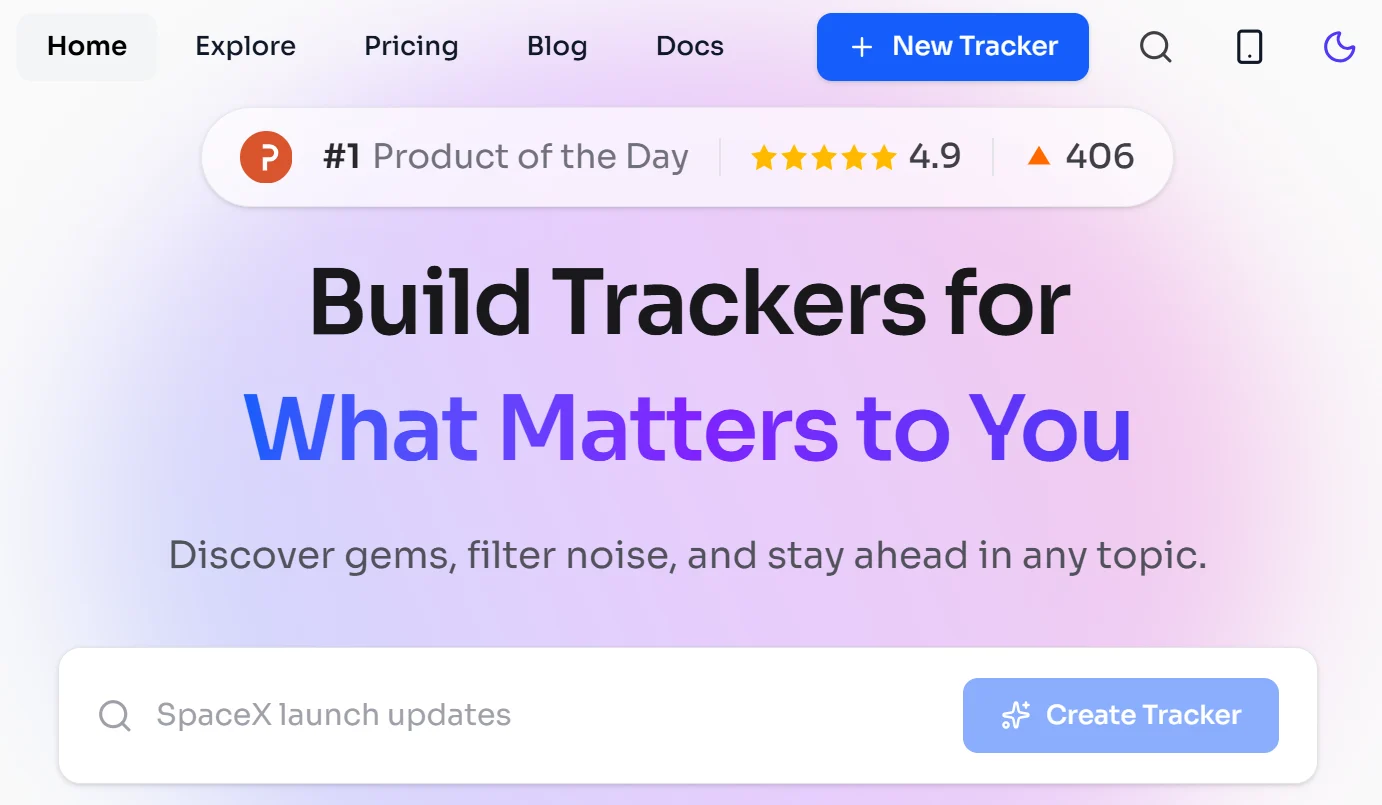
NBot attacks that problem from a different angle. You describe in plain English what you want to follow, and it builds a tracker that scans across news outlets, blogs, newsletters, social platforms, and RSS feeds — then summarises what it finds. Here's how well that works, what it costs, and where it falls short.
⚡ The short version
- What it is: AI-built monitoring feeds — describe a topic in natural language, get a curated stream with summaries.
- Free tier: 2 trackers, no credit card. Genuinely enough to evaluate it.
- Paid: $9.99/mo for 10 trackers, $19.99/mo for 30.
- Watch: a credit system runs alongside tracker limits — chat and podcast summaries consume credits.
- Best used alongside a reader like Feedly, not instead of one.
Why Google Alerts fails, specifically
It's worth understanding why the free default underperforms, because it tells you what to demand from anything replacing it.
It matches keywords, not meaning. Alert on "Claude" and you'll get Claude Monet, people named Claude, and French place names alongside anything about the AI model. Alert on something more specific and you'll miss articles that discuss your topic without using your exact phrase. Keyword matching has no concept of what an article is actually about.
It's blind to whole platforms. Google Alerts doesn't see Reddit, Hacker News, or Lobsters. For technology, software, and startup topics, that's where discussion frequently breaks first — often days before it reaches anything Alerts indexes. If you're monitoring a competitor or a technical subject, you're structurally late.
It has no sense of importance. A major announcement and a passing mention in a listicle arrive looking identical. All the filtering work lands on you, which is precisely the work you were trying to delegate.
It degrades silently. This is the worst part. An alert producing nothing looks the same whether the topic is quiet or the alert is broken. There's no signal distinguishing "nothing happened" from "I stopped working."
Any tool asking you to pay needs to beat that baseline meaningfully — not just look nicer.
What NBot actually does
Three components, and understanding how they fit together tells you whether it suits your workflow.
The tracker builder takes a natural-language description of what you care about. Rather than assembling boolean keyword strings, you describe the topic the way you'd explain it to a colleague. The system interprets that into a monitoring configuration. This is the core value: semantic understanding of a topic rather than literal string matching, which addresses the Claude-Monet problem directly.
The aggregator scans across source types — news outlets, blogs, newsletters, social platforms, RSS — reportedly drawing on 10,000+ sources. Breadth across source types is the part Google Alerts genuinely can't match, and it's where a tool like this earns its place.
Feed Chat lets you refine conversationally: ask questions about what's in your feed, or tell it to adjust what it's surfacing. In principle this fixes the standard monitoring failure mode — a tracker that's nearly right but keeps pulling in one category of irrelevant thing, which in a keyword system means rebuilding from scratch.
There's also a community layer, where you can follow trackers other people have built. On the free tier you get 5 of these. It's a reasonable way to see what a well-constructed tracker looks like before building your own.
A note on judging output quality. The instinct is to look at whether the items in your feed are relevant, and relevance is the easy half. What separates a useful tracker from a decorative one is whether the important items appear near the top rather than buried among the merely on-topic. A feed of thirty accurate but equally-weighted items has moved the filtering problem rather than solved it.
The other thing to watch for is source diversity. If everything surfacing comes from the same handful of large publications, the tracker is effectively a news aggregator with extra steps, and Google News would do it free. The value is in the breadth — the newsletter, the forum thread, the smaller blog you would never have thought to follow. If those are not appearing, the tracker is probably specified too conservatively.
The credit system you should understand first
NBot's pricing has two dimensions, and only one is advertised prominently. Tracker count is the headline. Credits are the thing that will actually constrain you.
The practical implication: your tracker limit tells you how many topics you can follow, but credits determine how much you can interact with what comes back. If Feed Chat is the feature that sold you, model your actual usage. A conversational refinement session is many messages, and at 1 credit each that adds up faster than the headline numbers suggest.
The podcast summary at 10 credits is the expensive one. It's a genuinely interesting feature — an audio briefing of your feed, useful for commutes — but at that rate it's an occasional treat rather than a daily habit unless you're on a higher tier.
The 50% rollover cap is worth reading carefully too. Unused credits don't accumulate indefinitely, so there's no banking a quiet quarter to fund a busy one.
What it costs
| Plan | Monthly | Annual | Trackers | Data refresh |
|---|---|---|---|---|
| Free | $0 | — | 2 | Standard |
| Plus | $9.99 | $8.33/mo | 10 | Faster |
| Pro | $19.99 | $16.67/mo | 30 | Fastest |
| Enterprise | Custom | Unlimited | Fastest | |
Refresh speed being a paid differentiator is worth thinking about honestly. For most topics, the difference between learning something at 9am and 11am is nothing. For competitive intelligence, breaking news, or anything where you might act on the information, it's the entire point. Be clear about which you are before paying for speed.
Free at 2 trackers is a genuinely useful evaluation tier, not a teaser. Two well-built trackers cover most individual needs, and you can judge quality properly before spending anything.
How it compares
The obvious comparison is Feedly, which has around 14 million registered users and an AI assistant called Leo that prioritises, summarises, and deduplicates.
The catch with Feedly is that Leo requires Pro+ — roughly $8.93/month billed annually, or $15.99 monthly. The free tier and the $6.99 Pro tier have no AI features at all. So NBot's Plus at $9.99 sits almost exactly at Feedly Pro+ pricing, which makes the comparison unusually clean.
| NBot | Feedly (Pro+) | Google Alerts | |
|---|---|---|---|
| Cost | $9.99/mo | ~$8.93–15.99/mo | Free |
| Core strength | Topic discovery across sources | Deep reading of chosen sources | Broad, shallow keyword alerts |
| You must supply | A topic description | The source list | Keywords |
| Semantic matching | Yes | Yes (Leo) | No |
| Reddit / HN coverage | Yes | Via feeds you add | No |
| Free tier usable? | Yes — 2 trackers | No AI on free | Yes, but weak |
The distinction that matters: Feedly is for sources you already know you want; NBot is for finding things you don't know exist yet. Those are different jobs. Feedly assumes you can name the publications worth following. NBot assumes you can describe a topic but not enumerate its sources.
Which is why the most sensible setup for anyone serious about this is both — NBot for breadth and discovery, a reader like Feedly or Inoreader for depth on the sources you've decided are essential. If you want a free reader for the second half, FreshRSS and NewsBlur are solid.
How to build a tracker that actually works
Most disappointment with monitoring tools comes from badly specified trackers rather than bad technology. A few things that make the difference:
Describe the topic, then describe the exclusions. The single most common failure is a tracker that's right about the subject and wrong about the context. Say what you don't want as explicitly as what you do — job postings, press releases, listicles, whatever category is going to flood you.
Start narrow and widen. A tracker that returns three excellent items a day is far more useful than one returning forty you skim. It's much easier to loosen a tight tracker than to rescue one drowning in noise.
Test it on a period you already know. This is the best evaluation trick available, and almost nobody does it. Build a tracker on a topic you followed closely last month, then check whether it surfaces the things you know happened. Recall is the hard part — it's easy to judge whether results are relevant, and nearly impossible to notice what's missing unless you already know the answer.
Budget your tracker slots deliberately. With 2 on free and 10 on Plus, these are scarce. One tracker per genuine topic, not one per keyword variation.
Review after a fortnight. Set a reminder to check whether each tracker is earning its slot. Monitoring setups rot — topics move, your interests shift, and a tracker you stopped reading is worse than none because it creates false confidence you're covered.
Where it falls short
You can't fully audit what it misses. This is inherent to the category rather than specific to NBot, but it's the honest limitation. You can evaluate the relevance of what arrives. You cannot easily evaluate what didn't. The known-period test above is the only real defence.
Company information is thin. Beyond the domain and a copyright notice, there's little identifying who builds this. For a tool you're feeding your professional interests into — which is genuinely revealing information about what you're working on — some people will want more than that.
Summaries are a convenience, not a substitute. AI summarisation is good enough to triage and not good enough to act on. Read the source before making a decision based on anything a summary told you. This applies to every tool in this category.
Credit mechanics add friction to the best feature. Feed Chat is the most distinctive thing here, and metering it per message discourages exactly the exploratory back-and-forth that makes it valuable.
Who should use it
Good fit: anyone doing competitive or market intelligence who currently relies on Google Alerts and hasn't questioned it. People tracking fast-moving technical topics where Reddit and Hacker News break things first. Consultants and analysts who need breadth across many sources without curating them. Anyone whose job includes "keep an eye on" a subject area they can describe but not enumerate.
Poor fit: people who already know exactly which twenty publications matter to them — that's a reader's job, and Feedly or a free RSS tool does it better and cheaper. Anyone needing auditable, complete coverage for compliance or legal purposes, where "probably caught most of it" isn't an acceptable standard. And anyone who won't actually read the feed, which is most people who set up monitoring.
Monitoring setups decay — plan for it
The failure nobody warns you about with any monitoring tool is not that it stops working. It is that it keeps working while you stop reading it.
The pattern is consistent. You set up trackers with real enthusiasm, read them daily for a fortnight, then weekly, then you are opening the tab once a month out of guilt. Meanwhile the feed keeps filling, and you keep believing you are across your topic because the system exists. That false confidence is worse than not monitoring at all, because you have stopped compensating for the gap.
Two habits prevent it. First, deliberately follow fewer topics than you think you can handle — two trackers you read properly beat ten you skim. The free tier's limit of two is arguably a feature. Second, set a recurring calendar reminder to review whether each tracker still earns its place. Topics move, projects end, and a tracker built for something you finished six months ago is pure noise.
Frequently Asked Questions
What is NBot?
An AI content monitoring tool. You describe a topic in plain English and it builds a tracker that scans news, blogs, newsletters, social platforms, and RSS feeds, then summarises what it finds. It's a discovery and monitoring tool, not a task or habit tracker.
How much does NBot cost?
Free for 2 trackers with no credit card. Plus is $9.99/month ($8.33 billed annually) for 10 trackers, Pro is $19.99/month ($16.67 annually) for 30, and Enterprise is custom-priced with unlimited trackers.
How do NBot's credits work?
Separately from tracker limits. Chat Q&A costs 1 credit per message and a podcast summary costs 10. Daily credits reset at midnight UTC, and monthly bonus credits roll over up to 50% of your allocation. Trackers determine how many topics you follow; credits determine how much you interact with them.
Is NBot better than Google Alerts?
For most purposes, yes — though that's a low bar. A Contify study found only about 10% of Google Alerts results were relevant and roughly 40% of important news went undetected, and Alerts is blind to Reddit and Hacker News entirely. NBot matches on meaning rather than keywords and covers more source types.
How does it compare to Feedly?
Different jobs. Feedly is for reading sources you've already chosen; NBot is for discovering things across sources you haven't. Feedly's Leo AI needs the Pro+ tier (~$8.93–15.99/month) — free and $6.99 Pro have no AI at all. Many people are best served using both.
Is the free tier enough to judge it?
Yes. Two trackers with no credit card is enough to test properly. Build one on a topic you already follow closely and check whether it surfaces things you know happened — that tests recall, which is the hard part.
What is the podcast feature?
An AI-generated audio summary of your feed, useful for commutes. It costs 10 credits per generation, which makes it occasional rather than daily on lower tiers. Treat it as a bonus rather than a reason to subscribe.
Can I trust the summaries?
For triage, yes. For decisions, no — read the source. AI summarisation is reliable enough to tell you whether something deserves attention and not reliable enough to be the only thing you read before acting on it.
Verdict
🏆 Our Assessment: NBot
A genuine improvement on the free default, which is a lower bar than it sounds — Google Alerts misses roughly 40% of what matters and can't see Reddit or Hacker News at all. Natural-language tracker building and cross-source coverage are the real value. The credit system deserves closer reading than the pricing page gives it, and the company behind it is anonymous.
What I'd actually do: use the free tier on a topic you know cold, and run the recall test — check whether it surfaces the things you already know happened over the past month. That single exercise tells you more than any review, because relevance is easy to judge and completeness is nearly impossible to judge without a known answer.
If it passes, $9.99 is reasonable for something that saves you from missing things. If it doesn't, you've spent nothing and you've learned that your current setup probably has the same blind spot — which is worth knowing either way.
Running a monitoring setup that works well? I'd like to hear what's in it — the combination of tools people actually settle on is more useful than any single review.