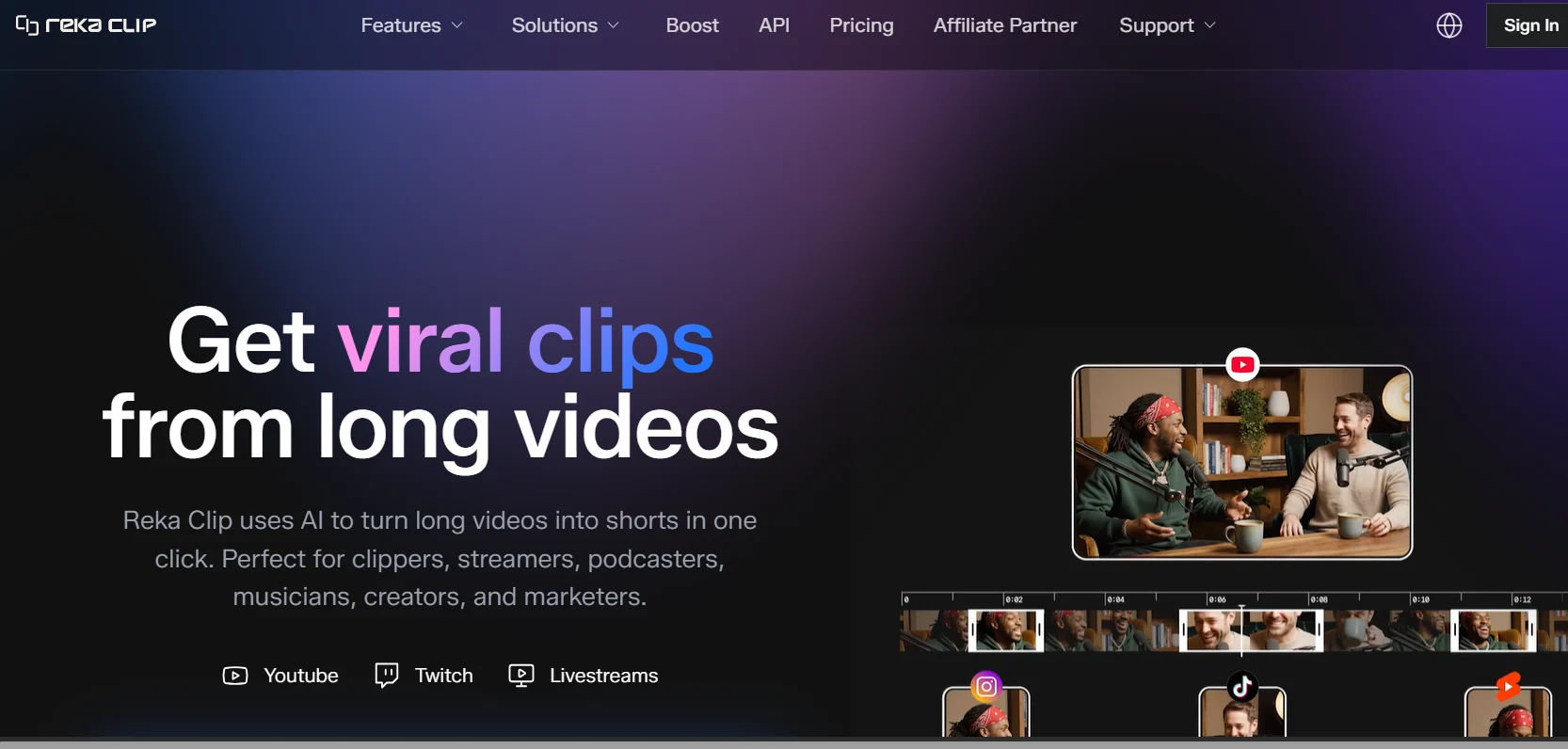
Reka Clip costs $2.50 for 150 minutes of video processing. Opus Clip, the default choice in this category, charges $15 a month for 150 credits — and a credit is also a minute. Same unit, six times the price, and Reka's is a one-time purchase rather than a subscription.
That gap is large enough that it's the first thing worth explaining, because a price that far below the market usually means something is missing. Sometimes it's quality. Sometimes it's a company burning investor money to buy users. In this case it's mostly the second thing — and understanding who's behind the tool tells you how long the deal is likely to last.
⚡ The short version
- Price: $2.50 / 150 credits, pay-as-you-go. 1 credit = 1 minute of source video, not output.
- Best feature: livestream clipping — 24 clips/hour with under 5-minute turnaround. Opus doesn't match this.
- Nice touch: failed jobs refund your credits. Rarer than it should be.
- Watch out for: 30-day clip storage, and an "Originality Boost" feature I'd think hard about using.
- Bottom line: the cheapest serious option in the category right now, with the caveat that this pricing is unlikely to be permanent.
Who actually builds this
Reka Clip isn't a solo-founder SaaS. It's a consumer product from Reka AI, a multimodal foundation model lab founded in 2022 by researchers out of DeepMind, Google, Meta FAIR, and Baidu. In July 2025 the company raised $110 million at a $1 billion valuation, with NVIDIA and Snowflake among the investors.
This matters for two practical reasons.
First, the highlight detection runs on Reka's own multimodal models rather than a third-party API. Reka Flash processes video, images, text, and audio together — which is exactly the capability "find the interesting bit of this podcast" requires. Most clipping tools transcribe the audio and reason over the text. A model that actually watches the video has more to work with, at least in principle.
Second, it explains the price. A lab with $110 million in fresh funding and its own inference stack can run this near cost to seed a consumer product. That's great for you right now. It also means the $2.50 credit pack is a customer acquisition price, not a sustainable one. Enjoy it, but don't architect a business around it staying there.
The pricing, and how it compares
Reka Clip sells credit packs rather than subscriptions. One credit processes one minute of source video — upload a 60-minute podcast and it costs 60 credits whether the tool finds four good clips or fourteen. You're paying for what goes in, not what comes out. Opus Clip works the same way, which makes the comparison clean.
| Reka Clip | Opus Clip | |
|---|---|---|
| Entry cost | $2.50 for 150 credits (one-time) | $15/month for 150 credits |
| Model | Pay-as-you-go | Subscription |
| Free tier | Trial available | 60 min/month, watermarked, clips expire in 3 days |
| Failed jobs | Credits refunded | — |
| Livestream clipping | Yes — Twitch, Kick | Not comparable |
| Clip storage | 30 days | Varies by plan |
The pay-as-you-go structure is the underrated part. Clipping workloads are lumpy — you might process ten hours the week you launch a podcast and nothing for a month afterward. A subscription bills you through the quiet months; a credit pack doesn't. If your output is irregular, that structural difference can matter more than the headline price.
Credits refunding on failed jobs also deserves a mention, because the opposite is common. Several AI tools I've looked at recently charge you for output you can't use. Reka states failed processing returns the credits to your balance.
Livestream clipping is the genuine differentiator
If you only take one thing from this review: the livestream pipeline is what Reka Clip does that its competitors mostly don't.
Connect a Twitch or Kick stream and Reka generates clips while you're still live — a published rate of 24 clips per hour with clips delivered within about five minutes of the moment happening. For a streamer, that's a different workflow, not just a faster one. The clip of the thing that just happened can be on TikTok while the stream is still running and the moment is still current.
Compare that to the normal loop: finish a four-hour stream, export a VOD, upload it, wait for processing, review clips, post the next day. By then the moment has passed. Reka collapses that to minutes.
If you don't stream, this feature is worth nothing to you and you should evaluate the tool purely on price and clip quality. But if you do stream, this is the reason to look at it seriously.
One thing to check on your own footage before buying volume: how the auto-reframing handles your specific shot composition. Converting horizontal video to 9:16 means the tool is deciding what to crop, and subject tracking is what keeps the speaker centred while it does. This is the feature that most often fails in cheap clipping tools, and it fails in a way that's obvious — heads drifting out of frame, cuts landing on the wrong person in a two-shot.
Footage with a single clear speaker is the easy case and most tools handle it. Multi-person conversations, gameplay with busy overlays, and anything where the visual interest isn't where the audio is coming from are the hard cases. A single $2.50 credit pack is enough to find out which category your content falls into, and that's a far better test than any review — clip quality depends enormously on the source material.
What actually makes a clip work
Any AI clipping tool is making a bet about what constitutes an interesting moment. Understanding that bet helps you judge output rather than just accepting it — and it explains why the same tool performs brilliantly on one creator's footage and poorly on another's.
The dominant failure in automated clipping isn't picking a boring moment. It's picking a genuinely good moment and starting it in the wrong place. A clip that opens three seconds before the interesting thing happens has already lost most of its audience, because short-form viewers decide within roughly the first second. The moment can be perfect and the clip still fails on timing alone.
So when you evaluate output, the question isn't "was this an interesting bit of the video." It's "does this clip start at the right moment." That's the thing to check first, and it's the thing most reviews never mention.
The second question is whether the clip is self-contained. Long-form content builds context; a clip has none. A moment that's funny because of something established four minutes earlier will land flat in isolation, and no amount of model sophistication fixes that — it's a property of the content, not the tool. Podcasts where guests tell complete anecdotes clip well. Rambling conversational content with running jokes clips badly.
This is also why hit rates vary so much between creators. If your long-form content is structurally made of self-contained moments, automated clipping works well. If its value is cumulative, you'll get a lot of technically competent clips that don't perform, and you'll blame the tool when the mismatch is really in the source material.
Where clipping tools fit in a real workflow
Worth being clear about what to expect operationally, because the marketing in this category implies a level of automation that doesn't quite exist.
The realistic loop is: upload, let it generate a batch, review all of them, discard most, lightly edit the survivors, and post. That review step is not optional and doesn't go away. What the tool removes is the tedious work of scrubbing through hours of footage looking for moments — genuinely valuable, often the difference between clipping happening and not happening at all. What it doesn't remove is editorial judgement.
Treat the output as a shortlist rather than a deliverable. Anyone posting AI-generated clips unreviewed is producing the kind of content that fills feeds and gets scrolled past, and audiences notice the pattern faster than creators expect.
The other operational point: because credits are charged on source length rather than output, batching is efficient. Processing one sixty-minute podcast costs the same as processing it in six ten-minute chunks, so upload complete episodes rather than pre-cutting them. And since failed jobs refund credits, there's no penalty for trying material you're unsure about.
The feature I'd think twice about
Reka Clip advertises something called Originality Boost: visual transformations applied to your clip so it passes platform duplicate-content checks.
Let's be plain about what that is. Platforms run those checks to catch reposted and recycled content. A feature whose stated purpose is getting past them is a feature for making reuploaded content look original to an automated system. There are legitimate uses — you own the footage, you're posting your own clip to several platforms, and you'd rather not get suppressed for it. There are also obvious illegitimate ones, and the "clipping" scene around tools like this includes a lot of people monetising other people's content at volume.
I'm not going to pretend this makes the tool unusable. But I'd note two things: features designed to evade platform enforcement tend to stop working when platforms update their detection, and accounts leaning on them carry a real suspension risk. If you're building something you want to last, I wouldn't make this part of the workflow.
What else it does
The rest of the feature set is roughly what you'd expect from this category, which is fine — the table stakes are table stakes:
- Auto-reframing with subject tracking — keeps the speaker centred when converting horizontal video to 9:16. This is the feature that most often fails badly in cheap tools, so test it on your own footage before buying credits in bulk.
- Captions and translation — auto-captions with one-click translation into other languages. Useful if you're trying to reach non-English audiences with existing footage.
- Compilation highlights — stitches multiple moments into a single clip rather than only cutting standalone segments.
- Auto-meme overlays — AI-generated GIF overlays. Use sparingly; this ages badly.
- 1080p output, no watermark, custom logo on paid credits.
- Multi-platform export for TikTok, Reels, Shorts, X, and Facebook.
Limitations worth knowing before you buy
Clips are stored for 30 days. This is the one that will bite someone. Download everything you want to keep; don't treat Reka as an archive.
No published free-tier allowance. Reka advertises "try for free" but doesn't clearly state the limit, whereas Opus Clip publishes 60 minutes a month. You'll find out by signing up, which is mildly annoying when you're comparing options.
Pricing transparency is thin. The pricing page shows the credit pack and an enterprise contact form, and notes that additional credit packs are "coming soon." For a product this young that's normal, but it means you can't confidently plan spend at volume yet.
The clipping-scene association. Reka Clip is promoted heavily through Whop communities and affiliate programmes aimed at people monetising clip farms. That's a marketing choice, not a product flaw, but it shapes the community you'll find around it and the tutorials you'll get in search results.
A note on the clipping economy
Worth understanding the context this tool sits in, because it shapes the community you'll encounter around it and the advice you'll find online.
There's a substantial scene built around clipping other people's long-form content for money — creators and brands paying per view for clips, coordinated through communities on platforms like Whop. Reka Clip is marketed heavily into that world, with an affiliate programme aimed squarely at it.
That's not a criticism of the software, which works the same regardless of whose footage goes in. But it does mean two things practically. Most tutorials you'll find are optimised for volume clipping rather than for a creator clipping their own work, so the advice may not fit what you're doing. And the aggressive pricing makes more sense once you see it as customer acquisition into a high-volume market rather than a considered price for individual creators.
Who should use it
Streamers on Twitch or Kick get the clearest win here. Real-time clipping while you're live is a genuine capability advantage, not a price advantage, and it's the one thing that would justify choosing Reka even if the pricing normalised.
Podcasters with irregular output benefit from pay-as-you-go. If you publish weekly and batch-process, a credit pack beats a subscription you underuse.
Anyone currently paying Opus Clip $15/month should at minimum run the same source video through both and compare the clips. The cost difference is large enough that even a modest quality gap is worth tolerating — and if the quality is comparable, the decision is obvious.
Who should stay put: if you're deep in an Opus workflow that's working, the switching cost may exceed the savings at low volume. And if you need guaranteed long-term pricing for a business plan, a product this early and this aggressively priced isn't the stable choice.
Frequently Asked Questions
How much does Reka Clip cost?
$2.50 for a 150-credit pack, where one credit processes one minute of source video. It's pay-as-you-go rather than a subscription, with custom enterprise pricing available. That's roughly a sixth of Opus Clip's $15/month for the same 150 credits.
Do credits count input or output video?
Input. A 60-minute podcast costs 60 credits regardless of whether it produces four clips or fourteen. Budget by the length of what you upload, not by how many clips you want.
Can it clip live streams?
Yes, and it's the strongest reason to choose it. It connects to Twitch and Kick and produces up to 24 clips an hour with under five-minute turnaround, so a moment can be posted while the stream is still running.
What happens if a job fails?
Reka states the credits for a failed attempt are returned to your balance. Worth confirming in practice, but it's the right policy and not universal in this category.
How long are clips kept?
30 days. Download anything you want to keep — this is not storage, and it's the limitation most likely to catch people out.
Is the low price going to last?
I'd assume not. Reka raised $110 million at a $1 billion valuation and can afford to run a consumer product near cost while building an audience. That's a land-grab price. Use it while it's there, but don't build a business model that only works at $2.50 per 150 minutes.
Verdict
🏆 Our Assessment: Reka Clip
The best value in AI clipping right now, backed by a real research lab rather than a wrapper around someone else's API. Livestream clipping is a genuine differentiator for streamers. The price is a land-grab and won't last, the 30-day storage limit is a trap, and I'd leave Originality Boost switched off.
What I'd actually do: buy one $2.50 credit pack, run the same source video through Reka and whatever you currently use, and compare the clips side by side. That test costs less than a coffee and answers the question better than any review can, because clip quality depends enormously on your specific footage — a talking-head podcast and a gameplay stream are entirely different problems.
If you stream, look at this seriously today. If you don't, it's still the cheapest way to find out whether AI clipping works for your content at all.
Tried it on your own footage? Tell me what your hit rate was — usable clips per batch is the number reviews never publish, and I'd like to.